
20 Useful Photo Editing Photoshop Tutorials
Photoshop is one of the most famous applications photo editing and photo effects field, this is because it has extended capabilities and powerful features that are developed over the years.
Photographers are required to learn Photoshop as part of their skills to be able to take their photos into another level by adding photo effects to it or fix the errors that may happen in the photo from one hand and edit the corrupted old images from the other.
The following tutorials show some useful tips and tricks to add photo effects in the images and fix the corrupted old images using Photoshop tools. It will help you to learn tips that you can apply in different images and different tasks.
If you found this article helpful and you’d like to share your opinion with us, please comment below: If you want to be the first one to receive our latest updates just subscribe to our RSS feed and you can follow us on twitter.
Retro Polaroid Coloring on your Photo
This is a simple tutorial on how to get the retro polaroid coloring on your photo.

Simple Image Retouching in Photoshop
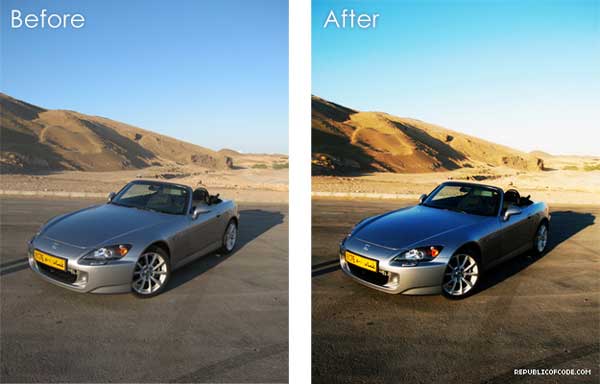
This tutorial will teach you a simple technique to enhance the colors of your image making it more vivid and alive.
Professional Photograph Restoration Workflow
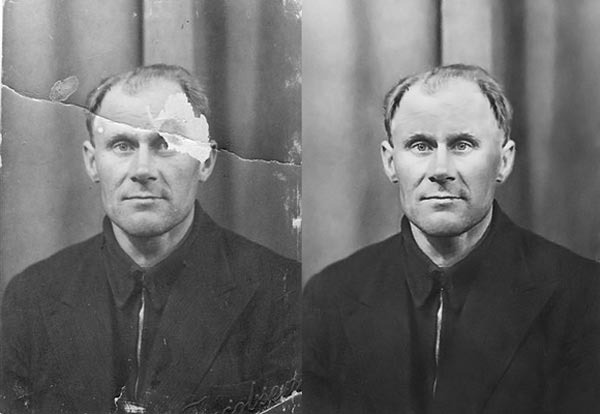
In this tutorial, we’ll take an in-depth look at restoring an old torn photograph.
Vintage Photo Effect in Photoshop
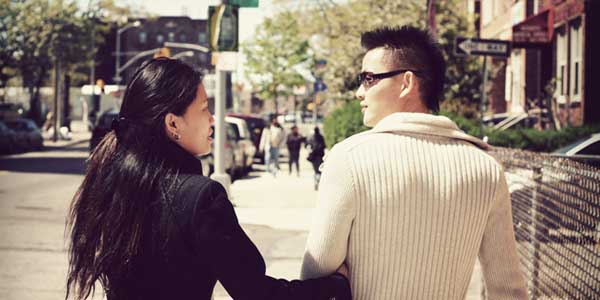
This tutorial shows you one of my favorite techniques called cross processing, Cross processing is developing color print with the wrong chemicals. This causes a lot shift in color, which creates a very retro look.
Bourne Ultimatum Color and Motion Blur
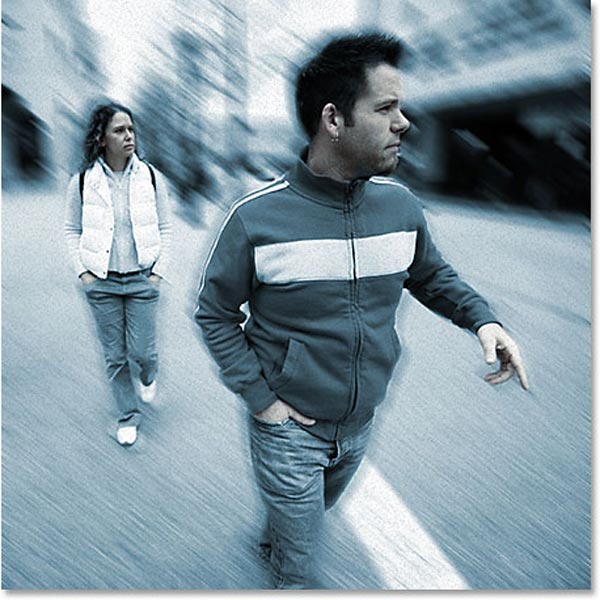
In this Photoshop tutorial, we’re going to look at how to recreate a photo using motion blur effect .
Movie Like Sunset in Photoshop Tutorial
In this tutorial we will learn how to create a piece of romantic movie like sunset in Photoshop. This tutorial is made to show some very cool Photoshop techniques that beginners can quickly pick up.

Enhance Your Image with Selective Color Adjustments
In this tutorial, we will learn a nondestructive process for color-editing and retouching photographs. These techniques will make your images “finished” and professional.

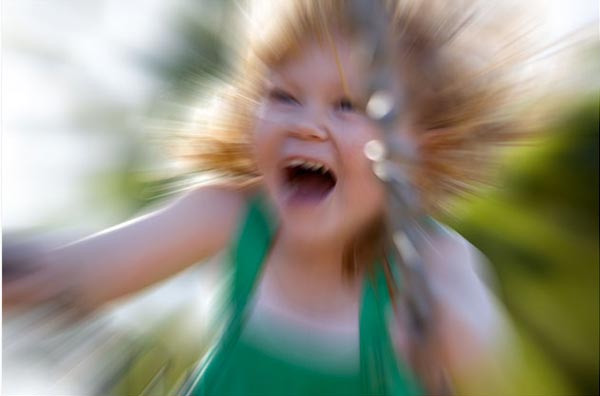
Action Zoom Blurring Effect In Photoshop
In this Photoshop photo effects tutorial, we’ll learn how to add some action and a sense of motion to a photo with a zoom blur effect.
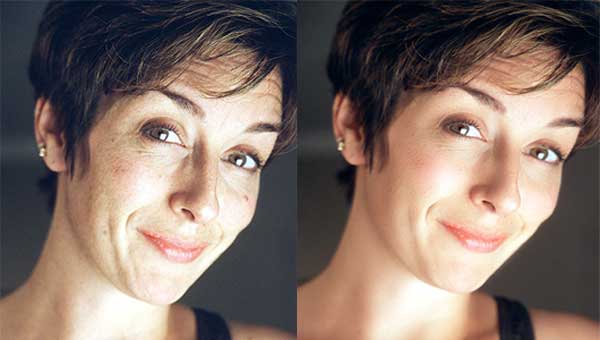
Super Fast and Easy Facial Retouching
In this tutorial, we will learn how to repair some image noise from a low-quality shot, and I will show you an extremely quick and easy way to smooth out a person’s face.
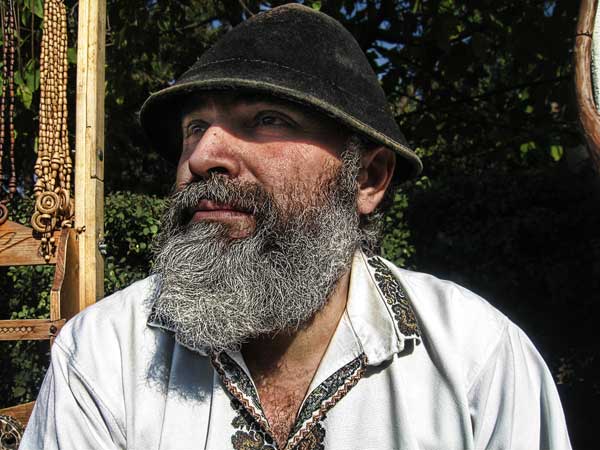
Achieve HDR Style Effects Using Photoshop
In this tutorial, we will learn some great techniques to achieve HDR effects.
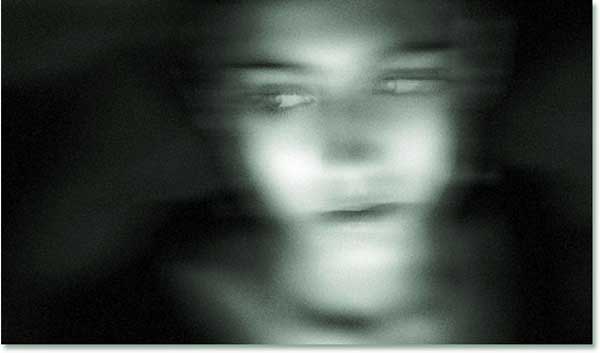
Ghosting An Image
In this Adobe Photoshop tutorial, we’re going to look at a way to give a photo a more “ghostly” appearance.
Create digital makeup
This tutorial will show you how to apply digital makeup and additionally, how to change the eye color, smooth the skin texture of a model and enhance the image.
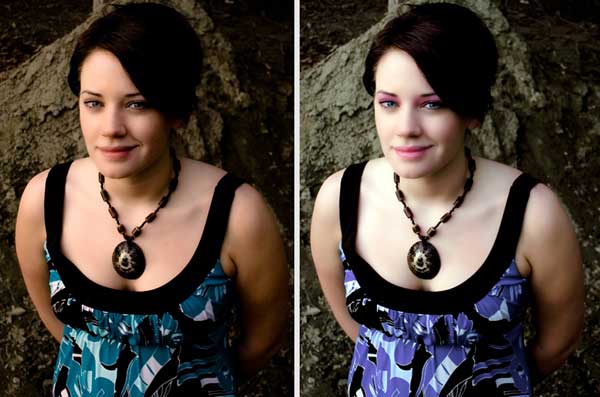
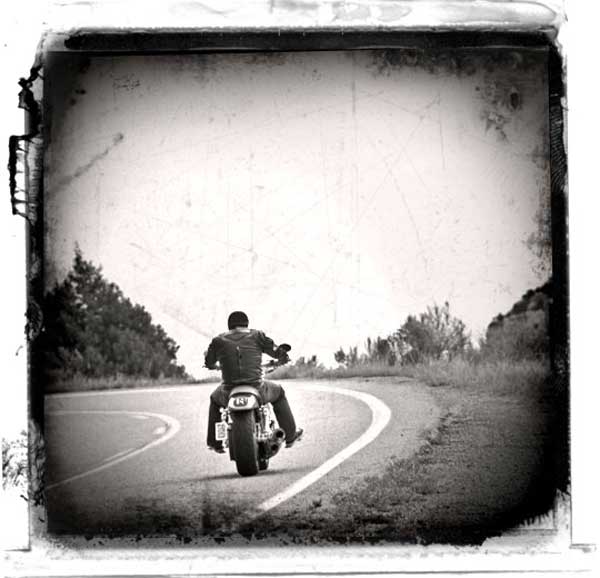
Photo Transfer Edge Effect
In this Photoshop tutorial we will learn how to create a cool old photo transfer edge effect using a piece of stock photography, an alpha channel and the burn and dodge tools.
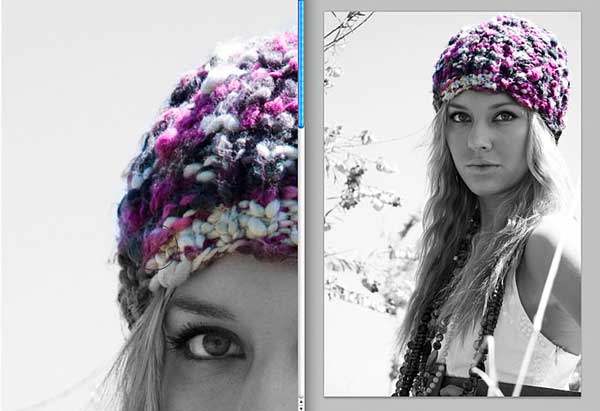
Dual View Photo Editing In Photoshop
In this Photoshop tutorial, we’ll look at how to give ourselves two different views of the same image.
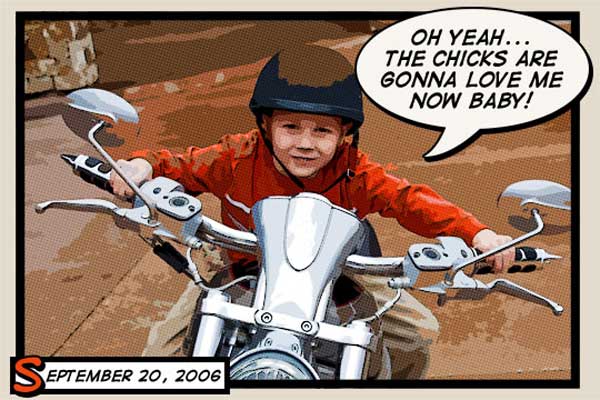
Comic Book Photo Effect
In this Photoshop tutorial we will learn how to add a comic book effect to an ordinary photo using a few layers, the Cutout and Poster Edges filters and a few different layer blend modes.
Grunge Photo Edges
In this Photoshop tutorial we will learn a quick and effective way to create a cool photo edge effect using a single Photoshop grunge brush and a series of clipping masks.

Make your photo impressive
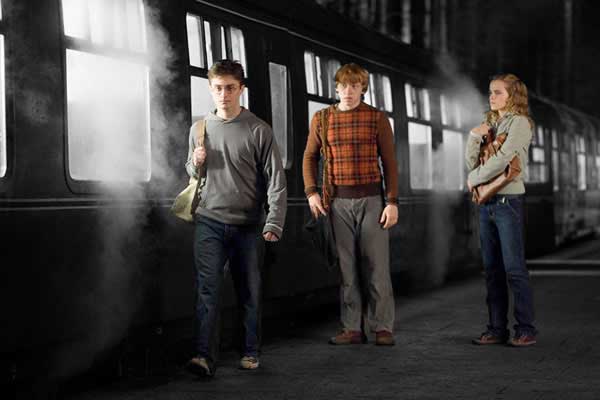
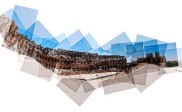
How To Stitch Photos In Photoshop
This is a tutorial on stitching two images together using Photoshop.
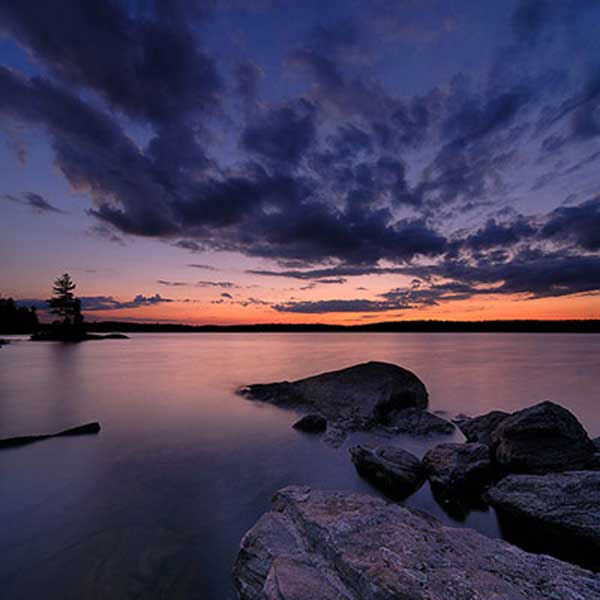
Creative Edges Using Smart Filters
In this Photoshop tutorial I’ll show you how to make some cool edge effects using the power of Smart Objects and Smart Filters in Photoshop CS3.
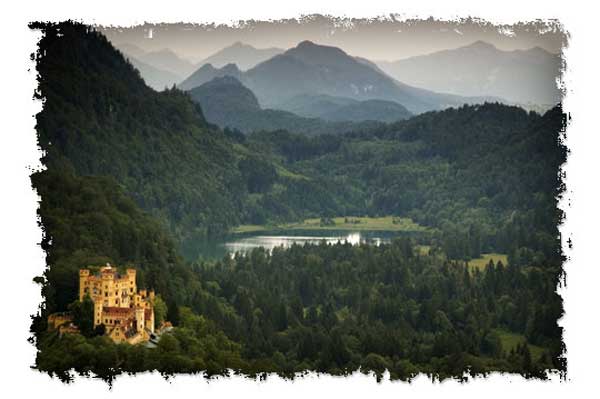
Gradient Mapping effect in Adobe Photoshop
Learn how to use the gradient mapping tool to transform a standard photograph for use with a specific colour scheme or brand image.
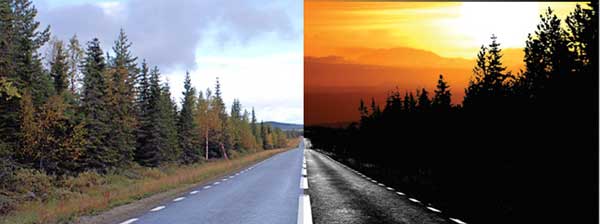
About Author

Contributor
My name is Radwa ,I am a graphic designer and I have a passion for photography. I was the founder of Photopoly.net.


I searched for photoshop tutorials on google for weeks and came across this. This has been one of the best tutorials I have come across in a long time. Thanks for sharing.
You rock Radwa.
Some of your posts are amazing.
no unnecessary details and elaborations
I’m obliged for that blog. Many thanks. Much obliged.
What this site calls “retro” or “vintage” is not retro at all. Yes, your Mom and Dad’s photo albums are filled with photos that look like that, but in most cases, those photos did not start out that way. Rather, that is the effect that results from letting prints sit covered for years by acid-filled album plastic overleaves.
“Retro” photography, by definition, would mean photos taken by experts with Leicas; Rolleis; Speed Graphics; Nikons; etc. with superb lenses and superb technique. Cartier-Bresson is retro. His work doesn’t resemble anything called “retro” on this site.
“Vintage” is another matter — that would include early sepia prints, some other media we recognize as “old” photographs, and perhaps some of the early experiments in creating color photographs by combining primary colored images. But little of the output I have seen from, say, Instagram, or the effects shown above are either retro or vintage. Mostly they are just effects like high key, grunge, HDR, or any of a number of styles and looks introduced by creative advertising, landscape and other photographers. Sometimes the effects seek to imitate the damaged look resulting from poor storage or care. Nothing wrong with that. But as a serious photography site, the honchos here ought to get the terminology right.
Thank you so much for these tutorials…I love it!
This is the best and the fastest photoshop tutorial i have ever come across. Keep up the good work!